
Post-production doesn’t slow down during the wedding season. The editing backlog from the previous weekend is still pending while you are out filming. That backlog is one of the most taxing aspects of the work for photographers who manage everything themselves.
Working photographers in the US are resorting to outsourcing wedding photo editing as a practical solution—not as a workaround, but as a conscious business choice. In 2026, the question is not whether to outsource, but rather how to do it so you can confidently turn in your files and receive edited photos that truly resemble your own.
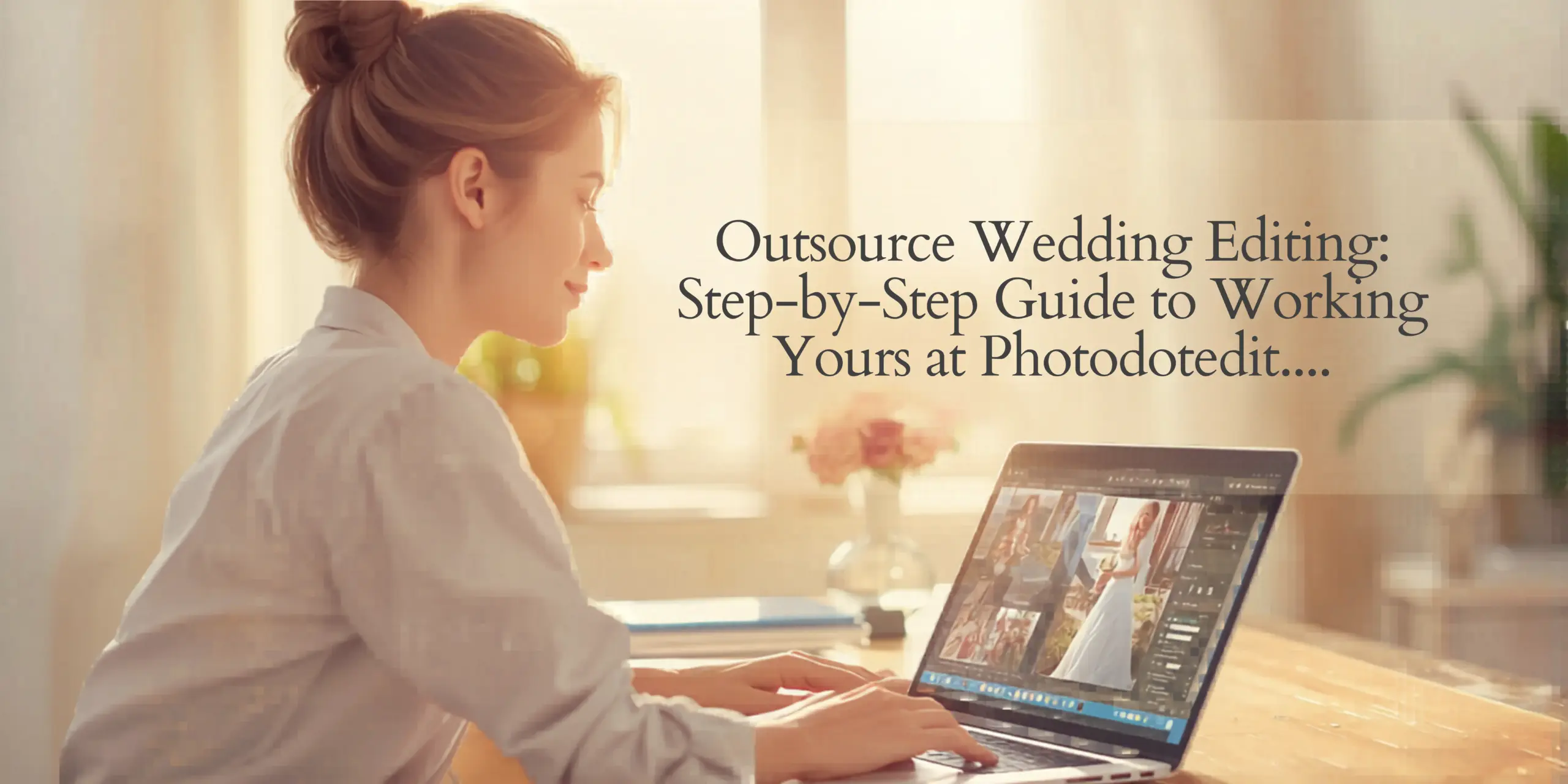
A post-production tool designed especially for wedding photographers is called Photodotedit. With a 24-hour standard turnaround and a free trial edit before committing to a single paid order, the team manages the whole editing pipeline, from culling and color correction to sophisticated retouching and digital album design. Photographers utilize Photodotedit to meet deadlines without spending their week in Lightroom, from independent photographers shooting their first full season to multi-photographer studios.
This guide takes you through every step of the process, including what to send, how onboarding operates, how much each wedding will cost, and how to place your first purchase right now.
Why Outsourcing Is the #1 Time-Saver for Wedding Photographers
You will spend between thirty and sixty hours a month simply editing if you photograph two or three weddings. You aren’t using that time for marketing, second shooter coordination, client consultations, or just relaxing before the next event.
The math is harsh. An average wedding produces between 1,500 and 2,000 raw photos. If all goes according to plan, the process of culling, color correction, skin retouching, and delivery takes at least 15 to 20 hours. When you multiply that over the course of a hectic season, post-production essentially turns into a second full-time job.
For this very reason, in 2026, outsourcing wedding photo editing has become a common corporate alternative rather than a specialized one. Outsourced photographers don’t take short cuts. They are consciously choosing to concentrate on what they do best, which is shooting, while entrusting the most time-consuming back-end tasks to a specialist crew.
It was just this necessity that led to the creation of Photodotedit. For wedding photographers, the service manages every step of the post-production process, including culling, color correction, detail retouching, artistic editing, and digital album creation. Whether you manage a multi-photographer studio or shoot a single wedding every weekend, the process is made to take the burden of editing off your plate without detracting from your style.
What You Need to Send Before Your First Order
Preparation on your end is the first step in getting the first order properly. The editing crew will be able to precisely match your appearance more quickly if you convey your preferences and style up front.
- Your RAW Files: RAW files in any format your camera generates are compatible with Photodotedit. FTP, cloud storage links, or any other file-sharing technique you already employ can all be used to move files. The crew takes on large orders from both individual photographers and entire studios; there are no limitations on batch size.
- Your Lightroom Presets: Share Lightroom presets if you base your editing style on them. Presets lessen the amount of back-and-forth required to approximate your look and provide the editing team with a tangible starting point. Don’t worry if you don’t use presets; reference galleries accomplish the same thing.
- A Style Reference Gallery: Send three to five completely edited galleries that showcase your style in various lighting contexts, such as overcast ceremony images, interior reception lighting, outdoor golden-hour portraits, and any other situations you frequently come across. The most crucial input for style matching is these galleries. They convey what cannot be properly expressed in a written description.
- A Style Brief or Editing Notes: Write down the details that are important to you, such as how you handle skin tones, whether you pull highlights in window light or let them blow slightly, how much contrast you prefer in bright outside images versus dark reception rooms, and how warm or cool your white balance tends to run. First-order accuracy is significantly increased by even a half-page of notes.
- File Format Preferences: Indicate the resolution, file naming standards, and output format (JPEG, TIFF, or any other format) that you require. If you require straightforward format conversion without modification, Photodotedit can also handle RAW-to-JPG or RAW-to-TIFF conversion as a stand-alone service.
The Photodotedit Onboarding Process
Photodotedit’s onboarding procedure is designed to help you become proficient in style-matched editing as soon as possible.
- Submit your trial photos. A free trial edit is offered to new customers. Provide your settings and any style notes along with five photos from a recent wedding, including portraits, ceremony, and reception shots. Before placing a paid order, you can assess the quality and style match by having the team change these for free.
- Examine the edited sample. Compare the trial photos with your reference galleries after you have them back. Examine your skin tone, highlight treatment, shadow details, and general mood. This is the time to give a detailed description of anything that seems strange.
- Send in your comments. Here, thorough feedback speeds up the calibration process. Instead of making generic remarks like “warmer” or “less contrast,” take notice of particular pictures and describe what needs to be adjusted and why. Before processing your first full order, the staff takes this feedback into consideration.
You can contact the team at any time by sending an email to [email protected] or [email protected], calling +91-8130136092, or sending a direct WhatsApp message for prompt responses during peak times.
Turnaround: What Happens in 24 Hours
For regular orders, including culling, Photodotedit’s turnaround time is 24 hours. This is one of the quickest turnaround times for professional wedding editing, and it is especially helpful for photographers who are shooting back-to-back weekends or who promise clients a preview within 48 hours after the wedding.
What takes place in that 24-hour period is as follows:
The editing team starts culling, if that service is included, after your files are uploaded and your order is verified. Each picture is examined and categorized according to its overall quality, exposure, expression, and sharpness. The atmosphere and moment of each photo, along with the count you designate, are used to choose the best frames.
After that, color correction is applied image by image using white balance, exposure, highlights, shadows, contrast, saturation, clarity, and tonal adjustments. Each image is examined and modified separately to take into account changing light conditions over the course of a wedding day; this is not batch processing with a preset applied worldwide.
Detail retouching, such as skin smoothing, blemish removal, hair repair, dodging, and burning, is applied to the specified photographs inside the same window if your purchase calls for it.
Your chosen distribution method—FTP, cloud folder, or another prearranged transfer platform—is used to return completed files.
It is important to note that standard orders are subject to the 24-hour schedule. The timetable may be extended for larger batches or orders that call for more complex editing, such as object removal, sky replacement, background replacement, or head switching. To avoid any surprises, make sure of this when placing your order.
How Revisions Work
The revision philosophy of Photodotedit is simple: you can make as many changes as you like as long as they adhere to the style standard you have agreed upon.
This implies that the team will make the necessary corrections at no extra cost if a delivered batch does not match your reference galleries and the style brief you supplied during onboarding. This is the proper requirement for style-matched editing; it is not a policy of goodwill. If an editor makes a mistake, it is their obligation to correct it.
After the first two or three orders, well-onboarded clients almost never require major modifications. It usually takes two to three full orders to finish the calibration period, which is the first several galleries where the staff is precisely understanding your style. Deliveries usually land near the mark from the first pass after that.
When a revision is necessary, be as detailed as you can. When appropriate, cite specific pictures. The quicker the correction is made, the more detailed your feedback is.
Pricing Breakdown: Cost Per Wedding
You may comfortably incorporate wedding photo editing into your own customer price structure if you are aware of the costs before placing your first order.
For flexibility, Photodotedit uses per-image pricing; photographers with a steady high volume can choose from subscription plans.
- Culling: $0.03 to $0.06 per image for culling. Culling fees range from $60 to $120 for a raw gallery with 2,000 images. Culling alone can require three to five hours of human labor, making it one of the editing pipeline’s highest-value services per dollar.
- Color correction: Color correcting costs $0.10 for each picture. Color correcting costs about $50 for 500 final photos after culling. White balance, exposure, contrast, saturation, shadow and highlight adjustment, and tonal range work are all applied separately to each image.
- Standard retouching: Basic retouching costs between $1.00 and $2.50 per image. This includes teeth whitening, color correction, red-eye correction, facial skin smoothing, and blemish eradication.
- Advanced retouching: Depending on intricacy, advanced retouching might cost anywhere from $1.50 to $6.00 per image. Skin smoothing, hair correction, WB correcting, dodge and burn, sky replacement, and object removal are among the services offered at this level.
Photographers with consistent volume might save a lot of money with monthly membership programs. For $328 a month, the Standard Plan includes color correction, culling, and straightening for up to 2,100 photos. Up to 3,500 photos are covered by the $560 monthly Pro Plan, which offers basic editing for 20 photos and premium beauty editing for five.
A typical total for a full wedding with 1,800 raw files reduced to 600 edited photos with color correction and basic retouching on chosen portraits is between $150 and $250. This is a small amount compared to the value of your time and can be easily included in standard wedding photography pricing.
What Photographers Notice After Their First Order
When photographers outsource for the first time, they most frequently comment on time rather than the editing itself. A photographer’s week is altered when they recover 15 to 20 hours from a single event.
Delivering to customers more quickly is an instant operational advantage. Turnaround times for clients can be reduced without increasing stress when editing is no longer a personal barrier. Over the course of a season, this has a compounding effect on client happiness, referral rates, and reviews.
The second thing that photographers usually notice is that their business starts to grow in a way that it did not before. Four more hours of editing that week are no longer required when an additional booking is accepted. It entails uploading an additional batch of files. You can capture more weddings in a season without having to recruit and train an in-house editor.
The third factor is consistency in style. Through the outsourcing process, photographers who have been self-editing occasionally find that their own editing is less consistent than they had anticipated, differing from gallery to gallery depending on how exhausted they were or how much time constraint they were under. Regardless of batch size or delivery schedule, a committed editing crew applies the same standard to every image.
How to Get Started Today
Five photographs and a succinct style description are all you need to get started with Photodotedit.
- Forward your complimentary trial: Send five pictures from a recent wedding to [email protected] via email. If you utilize Lightroom presets, include them along with a brief description of your preferred style. At no cost, the team will return the photos that have been altered to your specifications.
- Examine and comment on: Examine the trial photos in comparison to your reference galleries. You can place your first paid order if they match. Describe the difference and get a corrected sample if they need to be adjusted.
- Put in your initial order: After uploading your whole gallery and confirming your preferred format and turnaround time, let the editing team handle the rest.
Before you begin, get in touch with us personally if you have any queries about pricing, turnaround, particular service capabilities, or anything else.
Phone: +91-8130136092; email: [email protected] or [email protected]
Instantaneous pricing and order status responses are possible via WhatsApp.
Start Today — $0.04 Per Image
You are not filming, developing clientele, or expanding your company for every hour you spend editing. You can concentrate on what you do best because Photodotedit takes care of the post-production.
Send in your five complimentary trial photos right now. Just your original files, altered to your style, and returned within a day—no obligation, no generic examples. You’ve found a post-production partner who offers you 15 to 20 hours back per wedding if it fits your vision.
There is no expense associated with the initial step. To see exactly what expert, style-matched wedding picture editing looks like for your business, send your sample photos to [email protected].
Do you have any questions? The Photodotedit crew is reachable via phone, email, and WhatsApp; they are genuine people with straightforward responses and no ticket lines.