
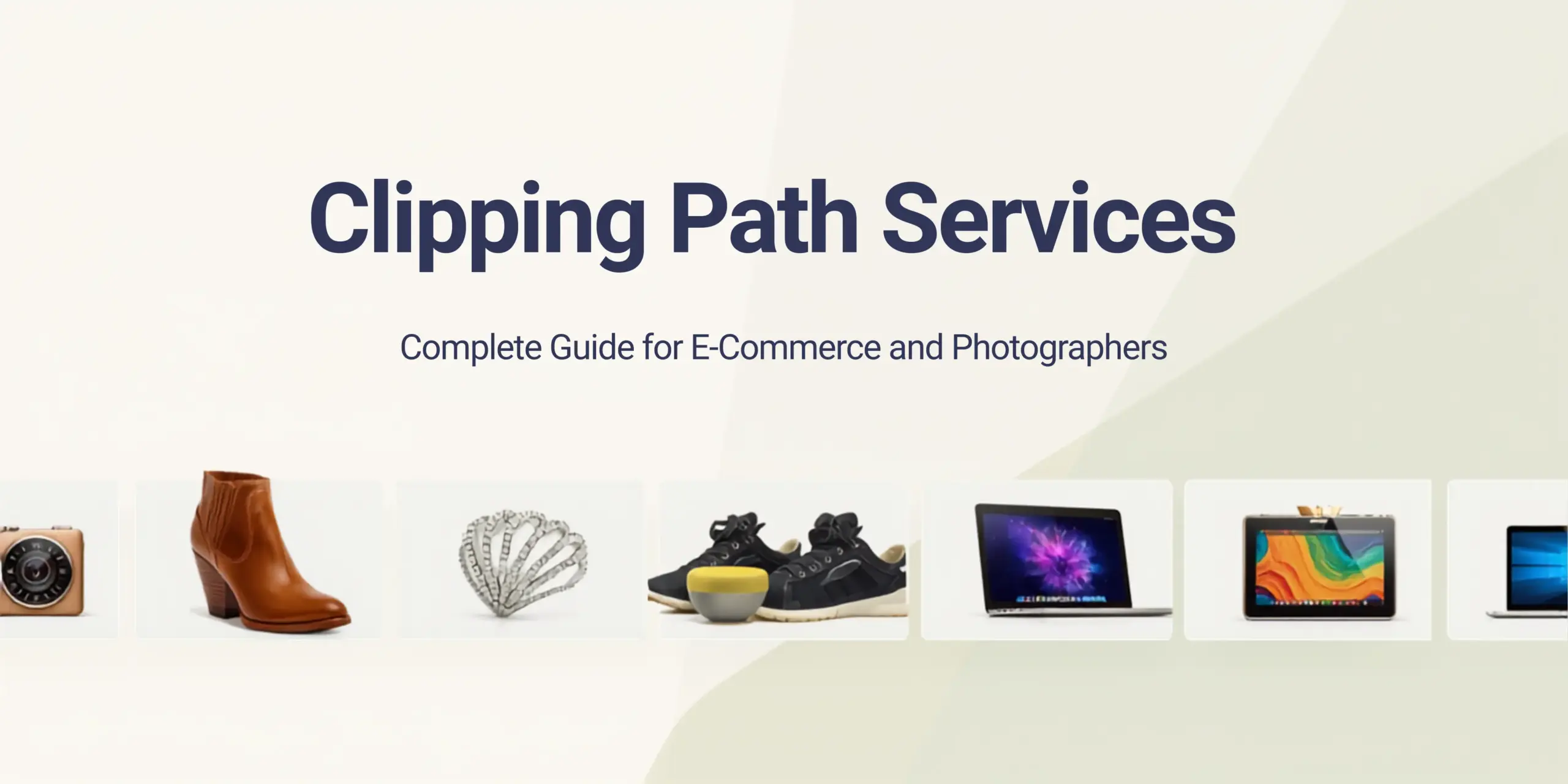
The quality of your product images affects how much consumers trust your store and whether or not they buy from you. This is especially true if you sell things online, take professional pictures of your stuff, or keep a catalog of your business. One of the most important things you can do to get those images ready is to properly separate the subject from the background. This is where clipping path services come in.
A clipping path in Photoshop is a vector-based outline that you draw by hand around a subject. When you use it, it removes anything outside of the route, leaving you with a clean, separate subject that can be placed on any background, even a white, clear, or custom one. It is the norm in the business to take pictures of things, make e-commerce listings, edit fashion photos, and make catalogs.
This article has everything you need to know, like what a clipping path is, how it varies from AI background removal, which form of path is best for your photos, when to use a layer mask instead, and how the type of file you use affects the final result. It also speaks about how to use product and fashion photography in real life and how to efficiently handle big orders. For as little as $0.70 per image, Photodotedit can let you cut out images by hand. You can acquire free modifications to your sample and make as many changes as you need till the result fits your expectations.
What Is a Clipping Path?
The Pen tool in Adobe Photoshop lets you build a closed vector path that is a clipping path. When you utilize the route as a clipping mask, everything outside of it becomes clear or invisible. There are no rough edges, background noise, or AI-generated predictions in the output, which is clearly distinguished from the backdrop.
The Pen tool enables the editor to determine the exact path, which is different from selection tools that use color contrast or edge detection. You have to put in each anchor point by hand. We alter each curve by hand. This is why manually clipping paths works better on edges that are hard to see, scenes with low contrast, and product shots where accuracy is very important.
You can change the clipping path on and off without affecting the pixels in the image file. This is a common way for expert picture editors to work because it doesn’t hurt the original image.
Where Clipping Paths Are Used
Many experts use clipping paths in their work. Online merchants use them to meet the white background requirements of eBay, Amazon, Flipkart, and other online stores. Photographers who take images of products use them to show customers pictures of objects that are by themselves. Graphic designers use them to show products in real-life situations or in marketing layouts. Fashion manufacturers use ghost mannequin techniques to take images of clothes that look neat and professional.
Clipping Path vs Background Removal: Which Is Better?
Many photographers and online store owners ask this question. Remove.bg and Photoshop’s Remove Background function are two instances of AI-powered tools that can swiftly and easily remove backgrounds for free or for a very small fee. Manual clipping pathways take longer and need skilled editors to execute them. So why does manual still operate better in the workplace?
When AI Background Removal Works
AI technologies work well with simple photographs, such as a product on a plain background with a strong contrast between the subject and the background. AI removal is fine for low-volume or social media postings when speed is more essential than accuracy.
Where AI Falls Short
AI has problems with edges that are hard to see, unclear, or have little contrast. A lot of AI tools can’t handle a glass bottle on a white backdrop, a shoe with delicate stitching, a watch with a shiny metal bracelet, or a piece of jewelry with beautiful filigree. The edges are harsh, halos form around the subject, and little details get lost.
You can see the artifacts clearly in product images that will be printed, blown up, or exhibited on screens with a lot of pixels. They make the campaign or listing look less professional.
Why Manual Clipping Path Wins for E-Commerce and Photography
There are no edge artifacts, color halos, or missed spots in a clipping path that was made by hand. The path follows the precise shape of the topic, including handles, labels, straps, and other minor characteristics that AI techniques usually smooth off or get rid of. When it comes to managing a catalog for an online store, manually updating hundreds of photographs is also much more consistent than AI output.
No matter what kind of image it is, Photodotedit employs manual Pen tool clipping paths for every order. The edge quality stays the same across all product categories because the path is not made by any automated methods.
Types of Clipping Paths: Basic, Compound, and Multi-Path
There are different kinds of clipping pathways. The subject’s level of difficulty decides what kind of path is needed, and that level of difficulty also affects the price and how long it takes to get the job done.
Basic Clipping Path
A simple clipping path is a not married, continuous line that goes around a simple subject. The edges are smooth and rounded, and there are no cuts in the middle. A ball, a mug, a book, a basic bottle, or a flat product with no handles or gaps are all examples. These are the quickest and cheapest ways to make paths, and they usually cost between $0.70 and $1.50 each image, depending on the service.
Compound Clipping Path
You use a compound path when the topic contains holes or spaces inside that also need to be made see-through. A chair with spaces between the legs, a bicycle wheel, a wire rack, or a ring with an open band all need compound routes. There are several trails drawn: one around the outside and more around the inside cuts.
Multi-Path Clipping
When you need to separate or color-correct distinct areas of the same subject, you use multi-path editing. If a shoe has a sole, upper, lace, and logo, each made of a different material or color, it might need a different path for each zone. This lets you change one part of the image without changing the rest of it. Fashion photography, product catalogs, and jewelry editing all use multi-path work a lot.
Photodotedit has all three types of paths. Prices go up as the project gets more complicated, and the team checks each image before processing to make sure the right procedure is used.
When You Need a Clipping Path vs a Layer Mask
Both clipping paths and layer masks are used to separate subjects, but they have various uses and work well on different types of edges.
Use a Clipping Path When
The topic has sharp, clear edges. A clipping path is best for products with crisp edges, like furniture, shoes, and most ordinary e-commerce items. The path makes a sharp, straight edge that stays strong at any size.
When you export a file as a TIFF or EPS, the clipping paths go with it. This means that they work with professional print and layout applications like InDesign and QuarkXPress.
Use a Layer Mask When
The topic has soft or complicated edges that can’t be tracked with a path without losing natural detail. This includes hair, fur, feathers, and see-through textiles. A pen-drawn line around curly hair will look fake since it makes something that is naturally soft and uneven look harsh.
Layer masks let pixels be semi-transparent, which let edges blend in organically instead than stopping suddenly. Layer masks made with channel-based masking or Photoshop’s Select and Mask technique function far better for hair and fur than a clipping path would.
In real life, a lot of complicated photographs need both a clipping path for the subject’s torso and a mask for the margins of hair or fabric. Photodotedit provides both services, and for photos with hair or fine details, image masking is suggested in addition to the conventional path.
File Format Output: PNG Transparent, TIFF, and PSD
The format of the files you want for your cropped photographs is important. Different formats handle transparency in different ways and are better for different needs.
PNG with Transparent Background
PNG is the most prevalent file type for clipping paths that are meant to be used on the web and in e-commerce. It lets you see through everything, so the subject floats on whatever background the platform or layout uses. PNG files work with a lot of different programs, are straightforward to upload, and show up appropriately in most browsers, marketplaces, and design tools.
TIFF with Embedded Clipping Path
TIFF files are the best format for print production since they can have an incorporated clipping path. When a designer opens the TIFF file in InDesign, the clipping path is already set up and the background goes away on its own. This is normal for making catalogs, print ads, and layouts for magazines. TIFF keeps the entire quality of the image without losing any data.
PSD with Layers
PSD files keep all of the original layers, masks, and paths in a format that may be changed. A layered PSD allows you the most freedom to make more changes in Photoshop, such as altering the backdrop, changing the mask, or doing more retouching. Clients who wish to do more with the files after they are delivered should choose PSD.
You can choose the format that Photodotedit sends you. The team can provide you with files in PNG, TIFF, and PSD formats, and they can even send you files in more than one format from the same source file if you need them to.
Clipping Path for Product Photography
Clipping path services do most of their work in product photography. No matter if you’re selling on Amazon, running your own business, or making a wholesale catalog, you need to be able to isolate clean products.
White Background Requirements
Amazon and most other big online stores want product pictures to have a clean white backdrop, which is RGB 255, 255, 255. A clipping path takes away the background and lets you put a clean white fill behind the subject. This fits all the rules of the marketplace and makes the product look professional and consistent across all listings.
Photodotedit gets over 90% of its e-commerce photo editing orders for clipping paths for work with white backgrounds. It is the most popular service in the catalog.
Maintaining Product Accuracy
A good clipping path keeps the product’s original colors, textures, and surface details. No blurring, no halos around the edges, and the colors stay the same. This is especially important for things like leather goods, textiles, electronics, and cosmetics, where the quality of the materials is a big selling feature.
Shadows and Reflections After Clipping
Adding shadows or reflections to the product after the background is eliminated might make it look more grounded instead of floating. You can apply natural shadows, drop shadows, and reflections on glass surfaces as a post-path service. These extras from Photodotedit start at $0.50 per picture.
Products That Benefit Most from Manual Clipping
Manual clipping pathways are far better than AI removal for jewelry, cosmetics, shoes, furniture, and packaged products. All of these types have tiny edges, shiny surfaces, or complicated shapes that automated machines always mess up.
Clipping Path for Fashion and Apparel: Ghost Mannequin
Fashion and clothing photography has a problem that most other types of product photography don’t have. Clothes need to look three-dimensional and like they can be worn, but taking pictures of them on live models is expensive and entails paying models, scheduling, and being available all the time. Mannequins fix the three-dimensional problem, but they also create a new one: the mannequin itself needs to be taken away.
How Ghost Mannequin Works
Ghost mannequin editing, which is also called invisible mannequin or hollow man editing, is when you take a picture of clothes on a mannequin and then take the mannequin out of the picture so it looks like the clothes are being worn by an unseen person. The end result is a natural, three-dimensional shape that shows how the fit and form work without needing a real model.
You need more than one clipping path for this method. One route goes around the outside of the garment, while other paths go around the inner parts, like the collar, armholes, and hem, where you need to show the inside lining or neck label. A second picture showing the inside of the clothing is often added to the first one to make the effect complete.
Why Clipping Path Precision Matters for Ghost Mannequin
If the routes around armholes, collars, or waistbands aren’t straight, the final composite will have noticeable artifacts. The interior of the garment, where the second image is mixed in, has to match perfectly. This needs the same amount of path accuracy as any other clipping path work, but it needs to be done in several places on the same image.
Photodotedit offers ghost mannequin editing for as little as $1.50 per picture. The same bulk order reductions that apply to regular clipping path work also apply to bigger clothing catalogs.
Apparel Categories That Use Ghost Mannequin
Ghost mannequin presentation is good for all kinds of clothes, like tops, jackets, dresses, coats, pants, and accessories like bags and hats. Fashion e-commerce currently uses this style for all price ranges, from high-end brands to fast fashion.
Turnaround and Pricing for Bulk Clipping Path Orders
For single photographs or small groups, prices and turnaround times are clear. When you order in bulk, you have to think about things like consistency, how quickly the item will be delivered, and how cost-effective it is.
Standard Pricing at Photodotedit
Photodotedit’s clipping path services start at $0.70 per image for simple paths and go up to $2 per image for more complicated multi-path processing. You can add other services like replacing the background, adding shadows, correcting colors, and editing ghost mannequins to any order for an extra fee.
The cost of picture masking begins at $1 per image. Depending on how hard it is, removing the background costs between $1 and $3. You can have high-end retouching for between $1.50 and $4 per picture.
Bulk Order Discounts
Volume pricing lowers the cost per image a lot for vendors and studios that have a lot of images to sell.
If you order between 50 and 250 photos at once, you get a 10% discount. You get a 15% discount on orders of 250 to 1,000 photos in a month. If you order between 1,000 and 5,000 photos in a month, you get 20% off.
These savings make professional clipping path services really affordable, even for big catalog businesses, where the cost per image is much lower than the cost of editing in-house.
Turnaround Time
Photodotedit is open 24 hours a day and ships most regular orders within 48 hours. Depending on how many items you order, bulk orders may take longer. Delivery times are guaranteed when you place your order. Dropbox is used for file sharing, and folders are automatically synced so that they may be accessed in real time while they are being processed.
Free Sample and Unlimited Revisions
Before placing a paid purchase, new clients can send in sample photographs for a free edit. This lets you check the quality of the path, the accuracy of the edges, and the format of the delivery before you place a large order. Photodotedit also lets you make as many free changes as you want till the output meets your style and quality standards. Requests for changes don’t cost anything extra.
How to Order Clipping Path Services from Photodotedit
It’s easy to place an order. You can upload your pictures through the file gateway, tell the editing staff what kind of path and output format you need, and they will process and send you the finished files.
With Dropbox-based distribution for continuing catalog work, you may transmit new batches on a regular basis without having to plan a new upload each time. The auto-sync system makes sure that your folders are always up to date and available to the editing team as soon as new files are added.
If you have any questions before you place an order, you can contact Photodotedit by live chat, Facebook, or email at [email protected]. Send free samples to [email protected].
Order Clipping Path Service for Your Catalog
Professional product photos don’t need clipping path services. They are a basic need for e-commerce sellers who need images that meet marketplace standards, photographers who send clients photos of people who are alone, and fashion businesses that use ghost mannequin displays to show off their clothes. Manual pathways are always better at edge accuracy than AI tools, and the money spent on skilled editing pays off in the form of higher conversions, greater catalog quality, and less time spent fixing bad AI output.
Photodotedit offers manual clipping path services for various levels of difficulty, along with free samples, bulk discounts, and unlimited changes. Sending a free sample is the best way to start if your product catalog needs clear, accurate isolation.
What is a clipping path in Photoshop?
In Photoshop, a clipping path is a vector path that you make with the Pen tool around an object. When you use it, anything beyond the route becomes invisible or clear, which separates the topic from its surroundings perfectly.
What is the difference between a clipping path and background removal?
When people talk about “background removal,” they usually mean AI-based programs that find and eliminate the backdrop on their own. A professional editor draws a clipping path by hand, which makes the edges more accurate, especially on complicated topics or photographs with low contrast. For professional e-commerce and print work, manual clipping pathways are the best way to go.
What file format should I request for transparent background images?
PNG is the most used format for use on the web and in e-commerce. For print manufacturing, TIFF with an embedded route is better. If you need to keep altering the file in Photoshop, PSD is the optimal format.
How much does a clipping path service cost?
Photodotedit charges between $0.70 and $2 per image for clipping path services, depending on how complicated the task is. Adding shadows, ghost mannequins, and color correction are all extra services that cost extra. If you order 50 or more photos, you can get a discount on the whole order.
How fast is delivery for bulk clipping path orders?
Standard orders are sent out within 48 hours. When you place an order, we provide you an estimate for bulk orders. Photodotedit is open 24 hours a day to help with quick turnaround across time zones.
Is there a free trial available?
Yes. Photodotedit will edit a photo for free for new clients who don’t have to pay. You can check the quality of the path and output before you pay for your order. You can make as many changes as you want at no extra cost until the product satisfies your needs.