
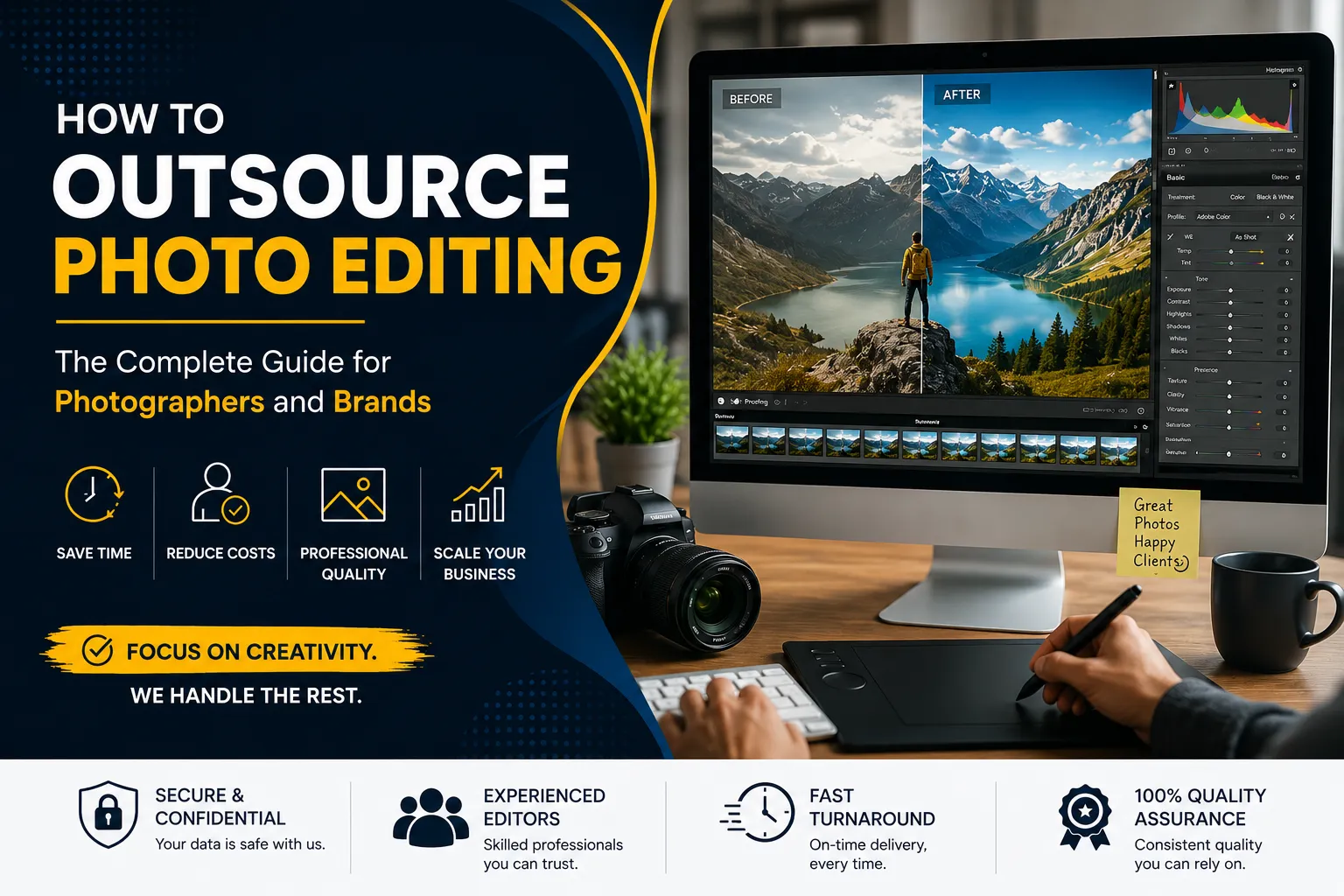
Great photography is made or broken in the edit. If you spend 30 hours a week in post-production, you need to modify something, even if you have the perfect lighting, timing, and composition. Increasingly, photographers and companies are beginning to see that outsourcing picture editing is no sacrifice. “It’s a business decision that makes everything else they do more efficient.
In this post, we guide you through the steps of how to outsource your editing, from selecting what to outsource to building a long-term relationship with your editing team. If you run a real estate photography company, shoot weddings or have an internet store, it’s the same process. You choose the right partner, you teach them your approach and get consistent results without having to spend every night in Lightroom.
Photodotedit is a professional picture editing business, based in India, working with companies and photographers in the US, UK, Australia and other countries. It is built for photographers who want consistent, great-quality results without the cost of in-house editors. It starts at $1 per image and has over a decade of experience. If you are thinking of whether outsourcing is the right solution for you, then read this guide first. Then send your first batch for free.
Why Photographers Outsource Photo Editing (And Why It Took Them So Long)
Most photographers dislike outsourcing for the same few reasons. They worry that an outside editor won’t understand their style. Work makes them feel like they’re protectors. Or, they think it costs too much to be worth it. It’s when they do the math that they really start thinking again.
If a photographer charges $150 per hour, then five hours spent editing a portrait session is a $750 loss in terms of potential shooting or client time. But a professional editing firm will do the same session for $50 to $150, depending on how complex it is. It’s not a financial nail-biter.
In the emotional case, it takes longer. Giving up editing requires trust, and trust needs a procedure. Usually, the photographers who struggle with outsourcing are the ones who simply send a batch of photographs without a style guide, reference photos, or clear specifications, and then feel disappointed when the end product isn’t what they envisioned. That’s not an outsourcing error. This is an example of insufficient preparedness. This guide is to help you get ready.
What Types of Editing Can Be Outsourced?
A professional supplier may take care of almost all repetitive technical editing jobs. Here is the breakdown by category.
Product Photo Editing
The main outsourced services for e-commerce enterprises are background removal, color correction, shadow creation, ghost mannequin, clipping paths, and resizing. They are very technological, time-demanding and bulky. And all of them are handled by an editing service like Photodotedit.
Real Estate Photo Editing
Many real estate photographers outsource sky replacement, HDR bracketing, window replacement, day-to-dusk conversion, item removal, lawn enhancement, etc. Turnaround time is key here, and Photodotedit pledges to edit real estate photos in one day.
Wedding Photo Editing
Album design, background cleanup, color correction, skin retouching and culling are all things you can outsource. There are a lot of weddings, there are hard deadlines, and it’s tough to keep consistency over 1500 images.” That’s when it makes sense to bring in an outside editing team.
Portrait and Headshot Retouching
A good retoucher can conduct frequency separation, dodge and burn, eye augmentation, hair washing, and teeth whitening. PhotoDotEdit charges $1 for simple portrait editing and $2 to $6 for advanced work per image.
RAW Conversion and File Formatting
There is no need for imagination to outsource basic RAW to JPG or TIFF conversion, bulk resizing, DPI correction, compression and watermarking.
What You Must Keep In-House
Outsourcing editing doesn’t mean losing control of your organization. You own certain things.
You are the creative director. The editing service does your style. They do not define it. It’s up to you to decide the tone of a shoot, the course of a project’s processing, or how to respond to a difficult client request.
Editing services should not be dealing with client communications. It is your responsibility to manage your relationship with your client. Your editor does not know your client’s personality and history and expectations.
Distribution requires final consent in all cases. Even with a trusted editing partner, you are responsible for a final quality control. It’s not because the editing will be faulty. This is because the client hired you as a professional.
We also create our own styles. You’ll have to test, film, and make creative decisions on your own, but you can teach your style to an editor.
Freelancer vs Agency vs Dedicated Service: Which Should You Choose?
Outsourcing picture editing may be done in three different methods, and one of these has the edge over the other two.
Freelancers
Over time, a freelance editor may have good knowledge of your style while working on their own. The dangers are reliability, scalability and availability. In the busiest time of year, one freelancer may not be accessible, and your workflow may fall apart if they stop working. Great for relationship-based, low-volume work. Not the best choice for expanding volume companies.
Agencies
Sometimes photo editing is included as part of a broader package supplied by a full-service creative firm. They tend to be more expensive and more suited to companies with deep pockets and complex creative needs. This isn’t the ideal choice for photographers who need lots of retouching done regularly.
Dedicated Editing Services
Services such as PhotoDotEdit are in the middle. They deliver professional quality, scalable volume, consistent turnaround and structured pricing – without the cost of an agency. They perform everything from simple color correction to complex retouching in the product, real estate, wedding and photo areas. For most photographers and smaller to mid-sized brands, a professional editing service is the most reasonable and cost-effective alternative.
How to Find and Vet a Photo Editing Service
Not all editing services are made equal. Here’s how to vet a potential spouse before you commit.
Review Their Portfolio
In your specific category, seek out before-and-after samples. If a firm just does real estate editing and no portrait work, they may not have the depth of retouching your headshot clients require. Photodotedit publishes galleries from all service areas.
Request a Free Trial
Any good editing service will provide a trial edit before you purchase. Photodotedit has a free trial period without a credit card. Send a sample set and then compare the results to what you expected. If that first edit is wrong, ask for corrections. A good provider will allow unlimited revisions until your style is reflected in the final output.
Ask About Their Editing Process
How are files sent to them? What software are they using? Do they use Photoshop, Lightroom, or both? Depending on the needs of the task, Photodotedit’s editors use both Lightroom and Photoshop. The program works with RAW, JPG, PNG, and TIFF files.
Check Turnaround Commitments
The period that most photographers consider acceptable is 24 to 48 hours. PhotoDotEdit promises to offer real estate photos within 24 hours and product editing within 24 to 48 hours. Timelines are made explicit before order placement.
Confirm Privacy and Data Practices
Images of your clients are private. Verify whether the provider has a clear policy on the storage, access, and deletion of files following delivery.
The Onboarding Process: Teaching Your Style to an Editor
The majority of photographers omit this step, which is why their initial outsourcing experience is unsatisfactory. It takes more than one talk to teach your style. It is a methodical procedure that improves with time.
Start with Reference Images
Take five to ten of your most well-edited photos from your most recent projects. These ought to reflect your usual output under various lighting, subject, and setting conditions. These serve as your standards. Your style is understood by an editor who can regularly match these.
Annotate What Matters
Don’t just send pictures and wait for the editor to figure it out. Make notes. “I always keep the whites bright but not blown.” “The skin tones here are slightly warm, not cool.” “Shadows should retain detail, not be lifted flat.” Specific written notes combined with reference photos reduce speculation.
Start Small
A 2,000-image wedding should not be your first batch to be outsourced. Start with 20 or 30 pictures. Examine them thoroughly. Provide comments. Let the editor make the necessary adjustments. Once you start to see consistent results, build from there.
Be Specific With Feedback
“This doesn’t look right” is an example of vague comments that isn’t helpful. “The highlights in the window are too bright” or “The skin is too desaturated compared to my reference” provide the editor with specific issues to address. The calibration process is accelerated by specific feedback.
Creating a Style Guide Your Editor Can Actually Follow
The most crucial document in your outsourcing process is a style guide. When you are not present, it takes your place in every editing decision your editor must make.
What to Include
- Color temperature and white balance preferences: Cool, neutral, or warm? What is your approach to mixed lighting? Put it in writing.
- Exposure and contrast style: Do you like shadows that are raised and have a cinematic appearance? Punchy and high contrast? For movie simulation, flat and muted? Give specifics.
- Skin tone treatment: For picture and wedding work, this is essential. Indicate if you like your skin to be natural, slightly warm, desaturated, or vivid. For every range of skin tones you usually photograph, include a reference photo.
- Retouching level: Is it polished and intricate, or light and organic? What do you leave behind and what do you automatically remove? Do you fix creases in clothes? Do you eliminate distractions from the background?
- Cropping and framing: Do you follow certain ratios when cropping? Which do you prefer: tighter compositions or loose crops? Bring it up.
- Output specifications: Documentation of the final file format, resolution, color space (sRGB or Adobe RGB), and naming standard is required.
Keep It Visual
It helps to have a written style guide. It is preferable to use a visual style guide. Add comparative photos or annotated screenshots to your written notes. An editor will calibrate more quickly and accurately if they can see what “good” looks like in your work, combined with a description.
Update It Over Time
Your style changes with time. Your style guide needs to as well. Update the document and send it to your editor if you start a new creative direction or see that the edits deviate from your expectations.
File Management: Safe File Sending and Receiving
A realistic method is required to solve the practical challenge of getting files to and from your editor in a clean and secure manner.
Use Cloud Storage
The most popular choices are WeTransfer, Dropbox, and Google Drive. They provide access control, folder organizing, and big file transfers. Create a shared folder specifically for every project or batch.
Organize Before You Send
A raw card export should not be dumped into a shared folder. Sort files into distinct folders and label them according to the project category, customer name, or shot date. File names should be consistent. When an editor is given a neat folder, they are less likely to make mistakes than when they are sorting through a disorganized collection of nameless files.
Specify Output Requirements Before Transfer
Verify with your editing provider what format they want for delivery before sending files. Do they use the same shared folder for delivery? Do they provide a download link? Does a private gateway receive deliveries from Photodotedit? Make this clear up front to avoid confusion when the revised batch is returned.
Keep Backups
Never give an editing service a single copy of a file. Before moving anything, always keep your original RAW files on your personal storage. This is not a sign of mistrust; rather, it is fundamental data hygiene.
Mark Priority Files
Flag any hero photographs in a batch that require immediate attention. Your editor can assist you prioritize and making sure your most critical photographs appear first by using a starred file naming convention or a simple comment in the folder.
Turnaround Times: Setting the Right Expectations
One of the first things photographers inquire about is turnaround time. Here’s a practical way of thinking about it.
Standard Turnaround
The professional standard for the majority of editing categories is 24 to 48 hours. PhotoDotEdit promises to offer real estate photos within 24 hours and ordinary product editing services within 24 to 48 hours. Depending on volume and editing complexity, wedding culling and editing timeframes may take longer than expected.
Rush Orders
Before placing the order, talk about whether you require a quicker delivery. There may be extra fees for rush turnaround. To avoid bearing the expense of last-minute deadlines, incorporate this into your client contracts.
Communicate Deadlines Upfront
Always indicate the delivery deadline when submitting a batch. Don’t presume that your editor is aware of when you require the pictures. A precise writing deadline eliminates uncertainty and provides your editor with the data they need to properly prioritize.
Build Buffer Into Your Client Timelines
Inform your client 48 to 72 hours if your editor delivers within 24 hours. You may review, ask for changes, and deliver safely without hurrying thanks to that buffer.
NDA and Privacy: Protecting Your Clients
The photos of your clients are confidential. They entrusted you with some of their most intimate moments or their brand’s most delicate images. When you give files to an editor, that trust doesn’t stop.
Use a Non-Disclosure Agreement
Request or supply a non-disclosure agreement before beginning work with any editing service. A skilled service will sign one without any trouble at all. An NDA guarantees that client photos won’t be used in portfolios, shared, or shown publicly without express consent.
Ask About Data Retention
How long are your files retained by the editing service? After delivery, do they remove them? Is there a written policy regarding data retention? These are professional and reasonable queries. Clear replies are a sign of a reliable service.
Limit Access to What Is Necessary
Only the files required for the particular task should be shared. Don’t grant access to your whole client archive to an editing service. Use shared folders with restricted access that are unique to your project.
Include Editing Outsourcing in Your Client Contracts
Some photographers may include a condition in their client contracts mandating a third-party editor who is approved to do the post-production work under an NDA. That’s professional and transparent. Also, it clears all doubts if a consumer asks about the editing process.
Quality Control: How to Review Edited Batches Efficiently
It’s one thing to have a set of edited photographs; it’s another to look at them closely. Here’s how to do quality control well without wasting hours on it.
Review on a Calibrated Monitor
Color fidelity is dubious on an uncalibrated screen. If you’re judging skin tones, white balance, and shadow detail, you need to see the images on a calibrated monitor. If you do a review on a laptop screen in direct sunlight, you will get unfavorable feedback.
Use a Fixed Comparison Method
Open your reference photos right next to your edited batch and compare instantly. Don’t just copy the edit. Compare to your benchmark to call out deviations. Besides giving you with exact terminology to use in your change requests .
Flag Issues Immediately
Select photographs that demand action using star ratings and color labeling or create a basic numbered list. No long paragraph explaining each image. For both, “Image 047: skin too desaturated, shadows lifted too high” is faster and better.
Batch Feedback, Not Image-by-Image Emails
If you have editing remarks for 15 images, don’t send 15 individual emails. Put them in one good document. Your editor will find that more effective, and you’ll find it faster.
Trust the Process Over Time
More focus on reviews of the initial batch. Working with the same editing crew on several projects will make you edit faster, as the outcomes are always up to your expectations. That’s the advantage of paying for a good onboarding process.
Building a Long-Term Relationship With Your Editing Team
The photographers who view outsourcing as a partnership, not just a transaction, are the ones who gain most from outsourcing.
Give Consistent Feedback
An editor who hears nothing after delivery has no way to know if they nailed it or bombed spectacularly. This short sentence, “this batch was great, the skin tones were exactly right”, validates the direction and gives your editor affirmation.
Stay With the Same Editor When Possible
Ask to work with the editor or team assigned to you by a specialist editing service. Consistency in staff. Consistency in production. Each time you swap between editors, the calibration routine is resumed.
Communicate Volume Changes in Advance
If you expect your busy season to double your normal batch volume, let your editing service know in advance. Reputable companies like PhotoDotEdit can handle bulk orders, but it helps them to organize their resources if they know in advance, so your turnaround doesn’t delay.
Reward Reliability
If an editing service consistently delivers great work on time, don’t assume you can find a cheaper one. The cost of switching (recalibration time, lost consistency, review cycles) usually exceeds any per-image savings.
Cost Analysis: Is Outsourcing Profitable for Your Business?
The arithmetic is simple, and the answer is nearly always yes.
The Time Cost of DIY Editing
Say you shoot three portraits and two weddings a month. That’s 25 hours of editing a month, or an average of five hours per assignment. If you charge $100 per hour for shooting, then the opportunity cost of editing time is $2,500/hour. Promotion, customer consultations, and fresh shots all might have been paid for with this money.
The Cost of Professional Editing
PhotoDotEdit charges a starting fee of $1 each photo Edit. Culling and minimal color correction for weddings is.10 a piece. The price of portrait retouching might vary between $1 to $6, depending on the difficulty of the shot. Average wedding package for 500 photographs, color correction, culling and light retouching in the $150 – $300 range. It takes internally 10 to 15 hours of your time to do the same process.”
The Scalability Argument
Your personal working time limits your internal editing. When you outsource, your capacity scales with you as you scale your customer base. You don’t need to work extra hours to take on more jobs. This makes outsourcing more than just an option; it makes it a growth engine.
When Outsourcing Is Not Profitable
If you have a tiny volume, your editing is so specialized that no outside editor can do it properly, or you are still developing your style and the editing process is part of your creative evolution, then outsourcing may not be the best answer. Away from these niche cases, the business case for outsourcing is strong.
Start Outsourcing With Photodotedit
Photodotedit works with photographers and brands in real estate, wedding, portraits, and e-commerce. Their team of editors can do everything from simple background removal and color correction to advanced retouching with dodge and burn, frequency separation and complex skin work. No extra fees, no upfront fees, and the pricing each shot starts at $1.
If you upload your photographs using their secure site, including your style comments or style guide and specifying your deadline, you will receive your modified photos in 24 to 48 hours. Revisions are free until the final output meets your expectations, should you need the results modified.
New customers can submit a sample batch for a free trial edit before ordering a paid batch. This is the lowest risk way to know if the service is a good fit for your style.
Outsourcing photo editing does not give up control over your work. It’s about making room for the work only you can do, building your creative vision, growing your business, and nurturing your client connections. PhotoDotEdit controls the hours behind the screen, so your attention is on what is in front of the camera.
How do I start outsourcing photo editing?
First, pinpoint the editing jobs that lend themselves to standardization and are most time-consuming. Create a short style guide with drawings for reference. Then locate a reliable editing service that offers a free trial. Run a small test batch first before going to high volume.
Is it safe to send client images to an editing service?
Yes, if the service has clear data management policies and signs an NDA. Make sure you have your own copies of all originals, and use project-specific shared folders before sharing files.
How much does it cost to outsource photo editing?
Culling is $0.03 each image, and high-end portrait retouching is $6 per image. Product editing typically costs about $1 per image. Photodotedit has transparent pricing for all categories, with no additional charges.
How long does it take to get edited photos back?
Most professional editing firms provide your work within 24-48 hours. PhotoDotEdit provides a 24-hour turnaround time for real estate editing and 24-48 hours for most other categories.
What is a style guide in photo editing?
A style guide describes your editing preferences, like color temperature, exposure style, skin tone treatment, retouching level and output parameters. They send it to your editing service so they can match your appearance constantly.
Can I outsource wedding photo editing?
Sure. Wedding picture editing is one of the most outsourced categories of editing. It includes culling, color correction, skin retouching, album design, and more. All these services come with 24-hour delivery options from Photodotedit.